 0665edb169
Since Brazilian Portuguese is the globally dominant variety of Portuguese (in terms of number of speakers and cultural influence) similar to how American English is for English, it is common for people to use a `pt-pt` language code to specifically refer to European Portuguese. This commit therefore adds an alias `pt-pt` -> `pt`, similar to the existing `en-gb` -> `en` alias for English (United Kingdom). Despite the apparent redundancy, the `pt-pt` code is actually used in practice, and indeed has an IETF language tag (`pt-PT`) and POSIX locale (`pt_PT`). |
||
|---|---|---|
| .github | ||
| _layouts | ||
| flags | ||
| _config.yml | ||
| favicon.ico | ||
| gallery.css | ||
| gallery.md | ||
| LICENSE.md | ||
| logo.svg | ||
| package.json | ||
| README.md | ||
| svgo.config.js | ||
circle-flags 
A collection of circular SVG country flags.
Usage
https://hatscripts.github.io/circle-flags/flags/xx.svg
(Where xx is the ISO 3166-1 alpha-2 code of a country).
For example, the following code:
<img src="https://hatscripts.github.io/circle-flags/flags/br.svg" width="48" />
<img src="https://hatscripts.github.io/circle-flags/flags/cn.svg" width="48" />
<img src="https://hatscripts.github.io/circle-flags/flags/gb.svg" width="48" />
<img src="https://hatscripts.github.io/circle-flags/flags/id.svg" width="48" />
<img src="https://hatscripts.github.io/circle-flags/flags/in.svg" width="48" />
<img src="https://hatscripts.github.io/circle-flags/flags/ng.svg" width="48" />
<img src="https://hatscripts.github.io/circle-flags/flags/ru.svg" width="48" />
<img src="https://hatscripts.github.io/circle-flags/flags/us.svg" width="48" />
...produces this:



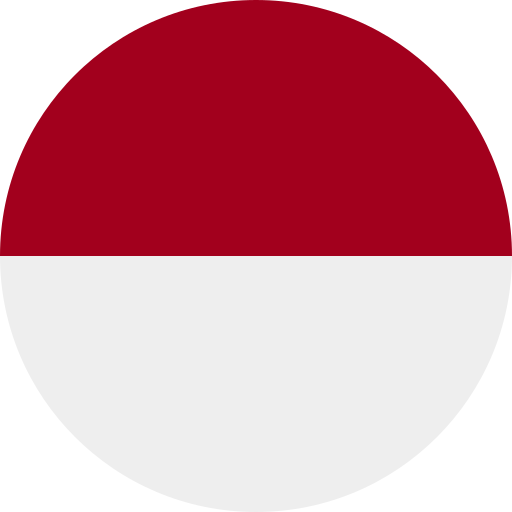

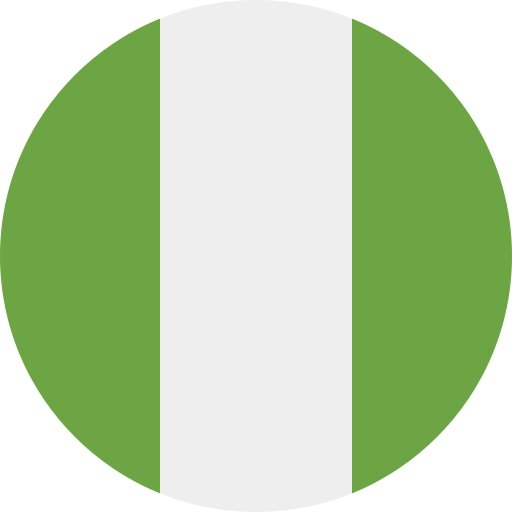
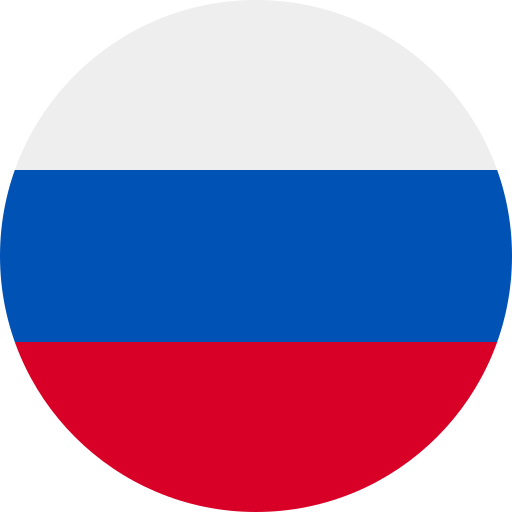

To view all the available flags, check the gallery.
React
If you're using React, you may want to try the react-circle-flags package.
SolidJS
If you're using SolidJS, you may want to try the solid-circle-flags package.
NPM
If you want to install this package as a dependency, you can install it from this GitHub repository:
npm install --save https://github.com/HatScripts/circle-flags
Userscripts
- Google Translate: Filter & Flags - Filters languages and shows country flags on Google Translate
- Wiktionary: Filter & Flags - Filters languages and shows country flags on Wiktionary
Contributing
To contribute, you need to have the latest version of svgo installed.
First, edit the relevant SVG files in the flags/ directory.
Then run svgo to optimize the SVG files:
svgo ./flags --recursive --config=svgo.config.js
Then commit the changes, and submit them as a pull request.
The color palette
Submitted flags should conform to the following color palette.
Try to match the flag's original colors with the nearest color from the palette.
#eeeeee: white#acabb1: gray#333333: black#a2001d: dark red#d80027: red#ff9811: orange#ffda44: yellow#6da544: green#496e2d: dark green#338af3: light blue#0052b4: blue
Special cases:
#002266: dark blue (only one usage: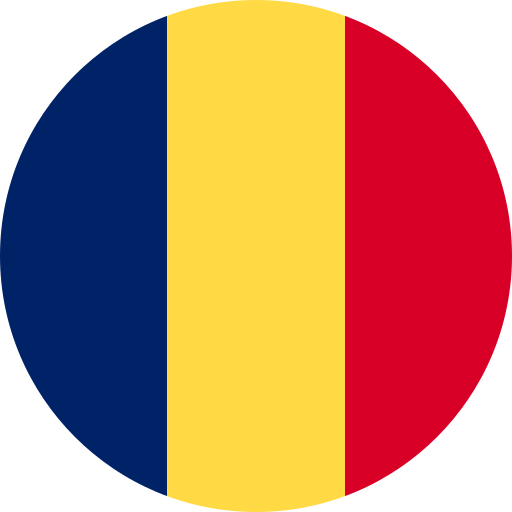 Chad, to differentiate from
  Romania)
#4a1f63: purple (only one usage: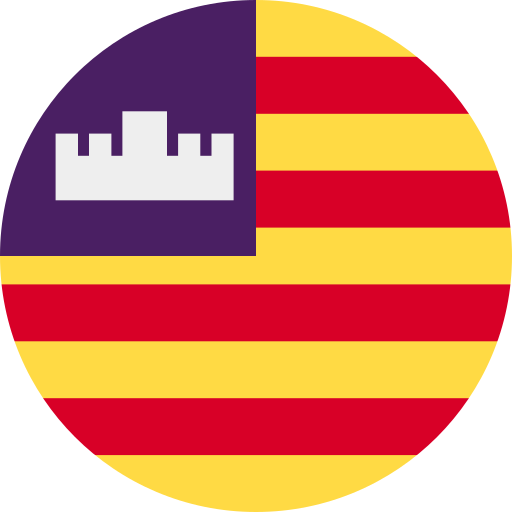 Balearic Islands)
#751a46: dark pink (only one usage: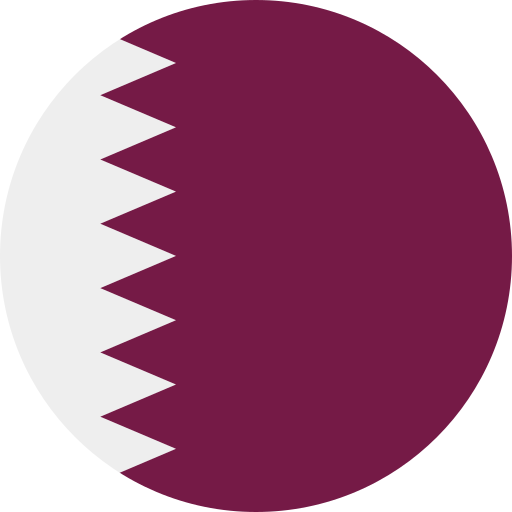 Qatar)
 Chad
Chad Romania
 Balearic Islands
 Qatar
Qatar
License
This project is released under the MIT license.